A little utility for macOS 14+
A little sense of time.
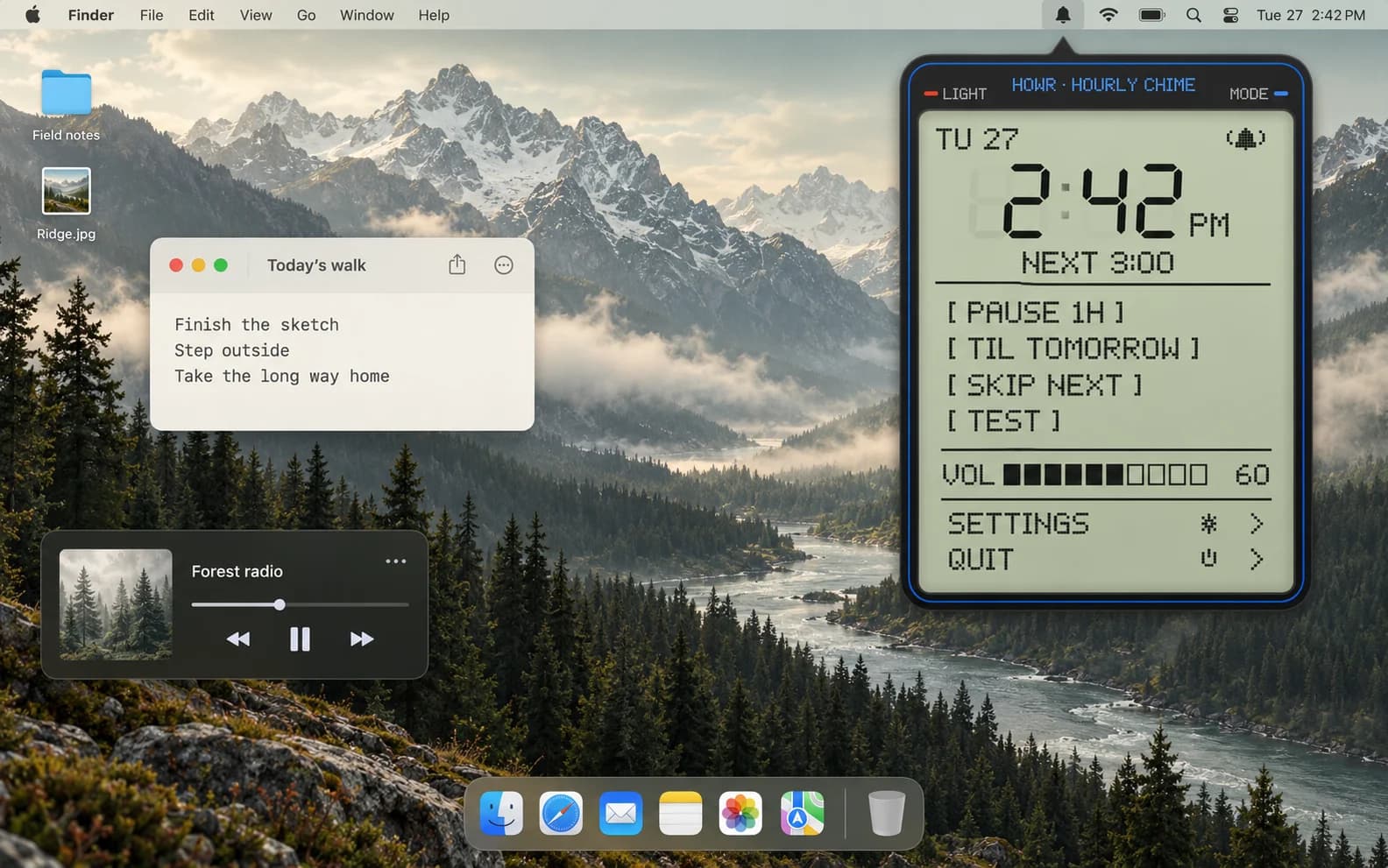
The familiar hourly chime of a digital watch, at home in your Mac’s menu bar.
v1.0.2 · DMG · macOS 14+ · Apple silicon + Intel
Ad-hoc signed. Not Apple-notarized. First launch on macOS
Choose your rhythm
Chime every 15, 30 or 60 minutes. Choose synthesized sounds, a macOS alert or a voice announcing the time, then set the volume. Active hours and weekdays keep the schedule within your routine.
A familiar little instrument
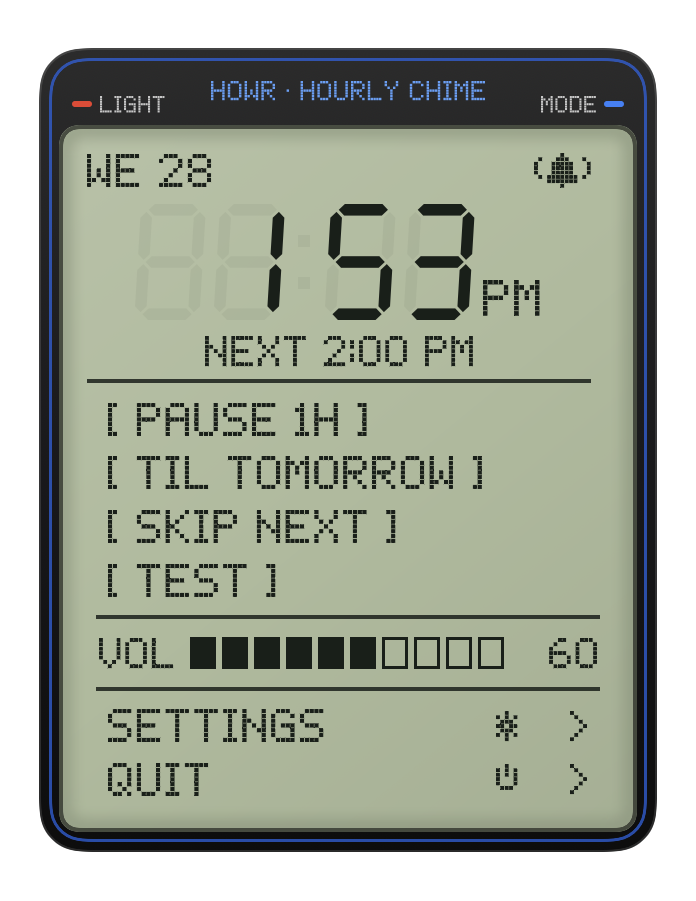
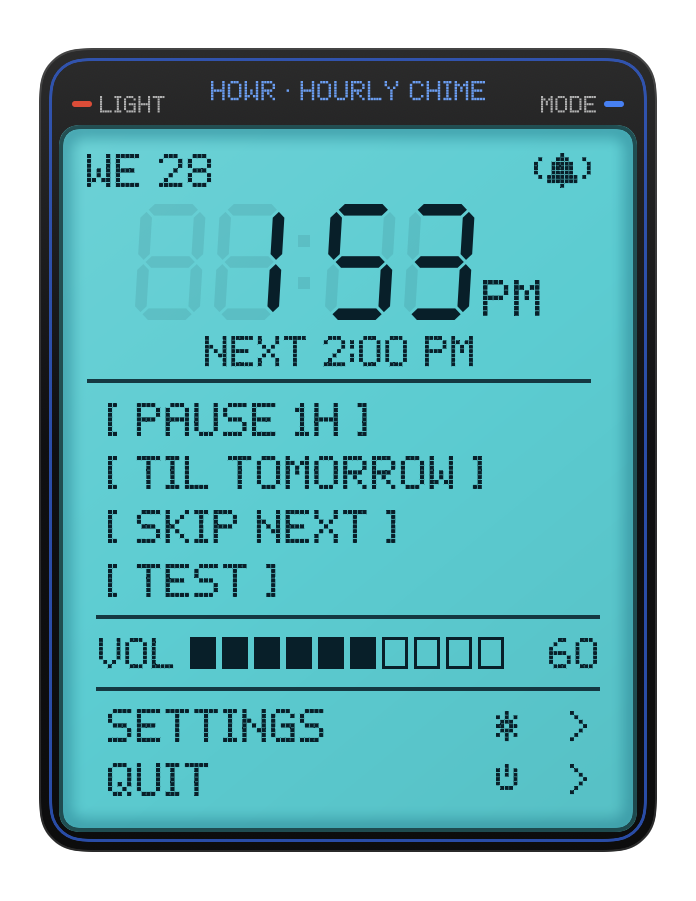
Segmented digits, pixel lettering and a LIGHT button recall a pocket-sized digital watch. Switch between sage daylight and cyan backlight, pause for an hour or until tomorrow, or skip the next chime. The controls also work from the keyboard.
Built to stay in the background
The agent arms a timer for the next event. The interface and audio run in separate processes that exit when their work is done. Optional quiet rules suppress chimes while a microphone is recording or the screen is locked.
A watch face for your desktop.
Sage in daylight. Cyan after dark. The LIGHT button changes the display; your next chime stays a glance away.
A small chime. One line away.
Open the DMG and drag Howr onto Applications, then eject the disk image. Open Howr from Applications to find the bell in your menu bar. Prefer the terminal? Use one of the commands here. Howr has no Dock icon.
Free and open source under the MIT license.
Homebrew
brew install --cask skheiller/tap/howrOur custom tap checks the release’s SHA-256 checksum.
Terminal install without Homebrew
This command downloads and runs our installer. It verifies the release checksum before installing. You can inspect the script first. Read the installer.
curl -fsSL https://raw.githubusercontent.com/Skheiller/howr/main/scripts/install.sh | /bin/bashFirst launch on macOS
This release is ad-hoc signed and is not Apple-notarized. If macOS blocks it, try opening Howr, then review System Settings → Privacy & Security → Open Anyway. Approve only if you trust the download. Managed Macs may restrict this.
Apple’s first-launch instructions →No accounts, analytics or network requests from the app. No installer disables Gatekeeper.